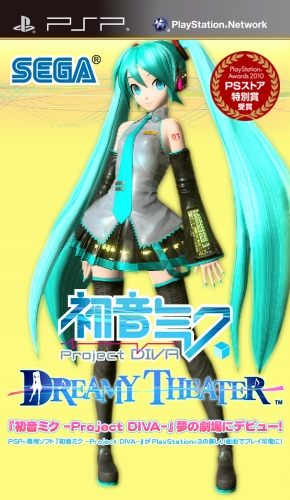
Hatsune Miku - Project Diva - Dreamy Theater
PlayStation Portable · JP
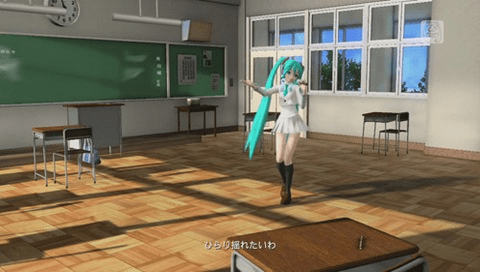
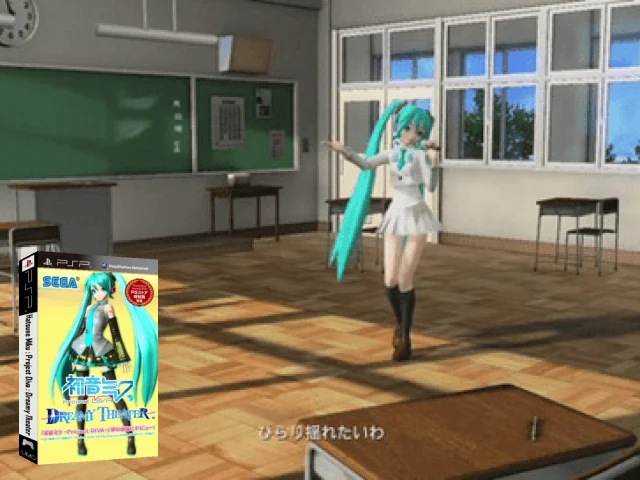
The game primarily uses the same gameplay mechanics from the original game albeit with several changes. Most notable of which is that the game now uses the D-pad (arrow buttons) and a "hold and release" function for the face buttons in addition to the normal gameplay. Similar to the symbols of the first game, the game now includes colored arrows for example a blue arrow pointing downwards, this indicates that the player has to press "down" on the D-Pad and the "Cross" face button at the same time. The game also add a fourth difficulty, Extreme, to songs that is more difficult than the hard difficulty in the first game. The game will also introduce duets, as compared to only having solo songs in the first game, thus allowing players to select two modules instead. This also carries on into the Edit Mode of the game allowing players to create PVs for duets with two modules in them.
Known dumps
| CRC32 | MD5 | Size | Region | Source |
|---|---|---|---|---|
27F2479A |
2F4109BBC809… |
131,366,912 | jp | no-intro |
Artwork & screenshots


Found an error? Suggest a fix from the app · Use this data via the public API.