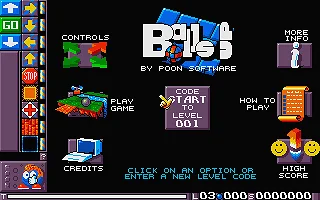
Balls Up
Publisher: ST Format · Developer: Poon Software
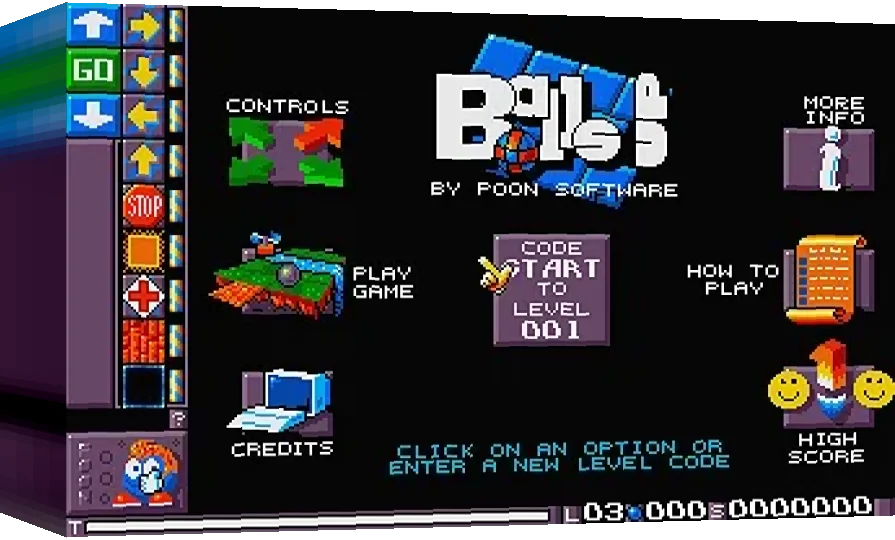
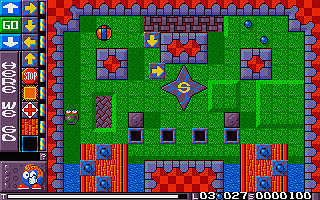
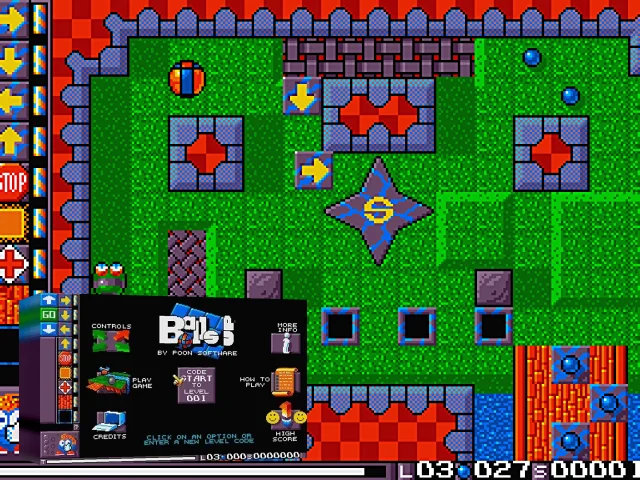
By placing tiles onto the playing area, make the ball roll over, and collect all the blue pills. Once this has been done find the exit (marked with an 'e') to progress to the next level. The tiles used to control the ball are stored on the top left of the screen. click on them with the mouse and then on to the floor to place them. There are 9 tiles to use: 8 manipulate the ball and the last one is an eraser tile, used to remove any unwanted tiles that have been placed on the ground. The ball cannot roll over water or gaps, but these can be bridged. Trampolines also enable the ball to jump over hazards. If you need, a pause drop a 'stop' tile to stop the ball for a limited time. Clicking on 'go' restarts the ball early. To activate switches just roll the ball over them.
Videos
Artwork & screenshots
Found an error? Suggest a fix from the app · Use this data via the public API.