Zarge
Atari ST · WOR
Publisher: Public Domain · Developer: Helbo, Lars Jürgen
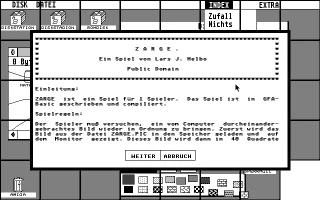
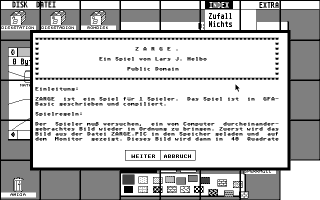
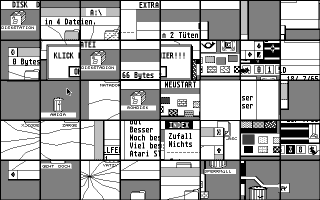
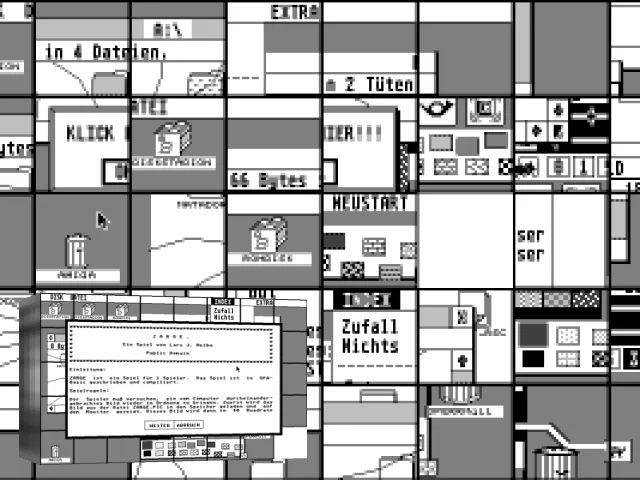
The player must attempt to restore an image that has been messed up by the computer. First, the image from the file ZARGE.PIC is loaded into memory and displayed on the monitor. This image is then divided into 40 squares, and these squares are shuffled on the screen. One square is empty and the player can now move one of the neighboring squares (right, left, top, bottom) to the empty space by clicking on it with the mouse and the left mouse button. The player must repeat this process until the original image is restored. The game can be stopped at any time by right-clicking. The image ZARGE.PIC is in DOODLE format (32000 bytes). If you don't like the image, you can replace it. The new image must be saved in the same format and named ZARGE.PIC in the ZARGE folder.
Artwork & screenshots
Found an error? Suggest a fix from the app · Use this data via the public API.